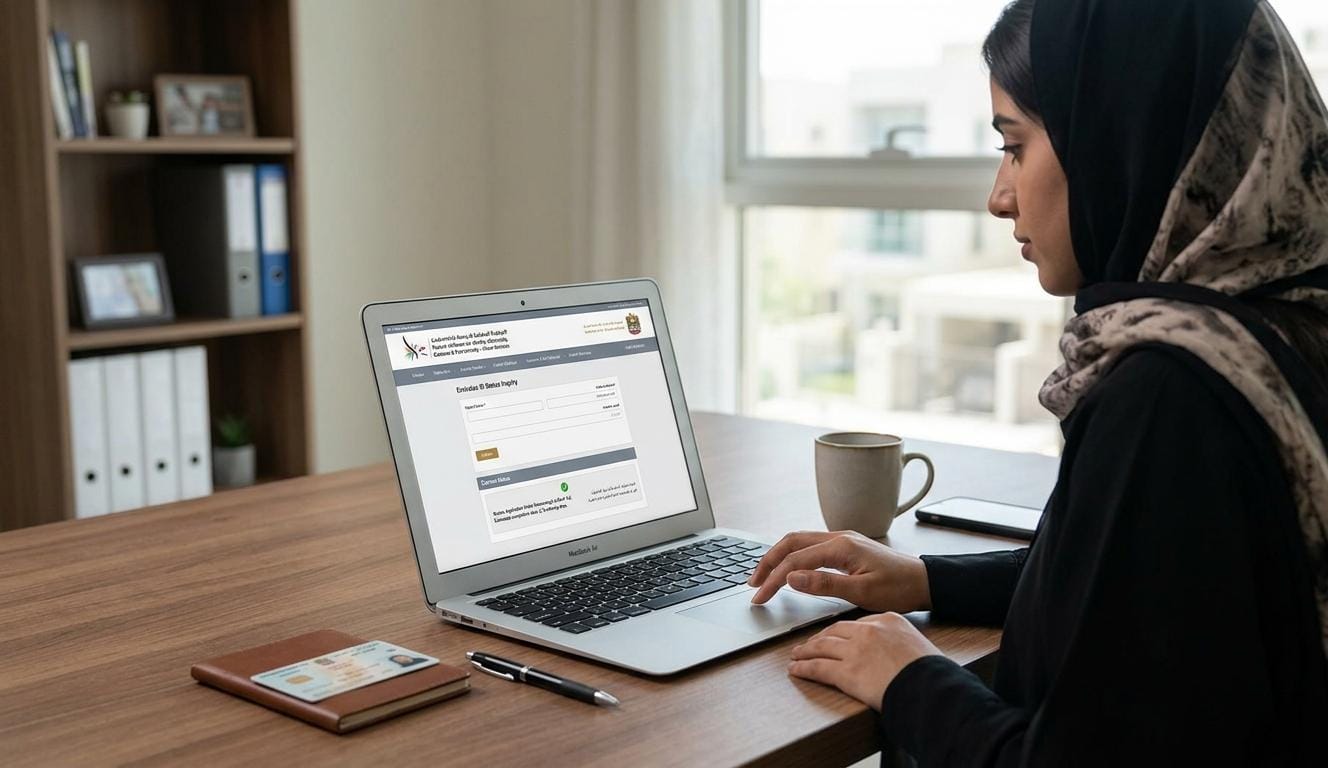
The Emirates ID is a mandatory identification document for all UAE residents and citizens. It is required for accessing government services, opening bank accounts, signing tenancy contracts, and completing everyday transactions across the country.
Keeping track of your Emirates ID status is essential, especially during application or renewal. Delays, missing documents, or expired IDs can affect your ability to access key services.
From checking your application status and navigating the renewal process to replacing a lost card, this guide covers everything you need to manage your Emirates ID with confidence in 2026.
What does an Emirates ID look like?
An Emirates ID is a plastic card containing:
Full name of the holder
Photograph and signature
Nationality and date of birth
Emirates ID number and expiry date
QR code and smart chip for digital verification
The card is issued by the Federal Authority for Identity and Citizenship (ICA) and can be used both physically and digitally for official verification.
Purpose of Emirates ID
The Emirates ID sits at the centre of daily life in the UAE, enabling residents and citizens to access both public and private services seamlessly.
Proof of identity for residents and citizens
Access to government services and portals
Verification for bank accounts, utility connections, and rental contracts
Digital identity through the smart chip for secure online transactions
Holding a valid Emirates ID ensures compliance with UAE laws and provides convenient access to essential services.
How to Check Emirates ID Status
Checking your Emirates ID status is a simple process that can be done online in just a few minutes. This allows you to track the progress of your application or renewal and stay updated on any required actions.
Visit the ICA official portal or the UAEICP app.
Select the “Check Emirates ID Status” option.
Enter your Emirates ID number, application number, or passport details.
Submit the details and review your status
Understanding the Status
Each status update reflects a specific stage in the process, so knowing what each one means helps you take the right action without delay.
Pending: Your application has been successfully submitted and is undergoing processing.
Approved: Your application has been processed and accepted, and has yet to be printed.
Issued: Your Emirates ID card has been printed out and issued.
Rejected: Your application has been denied.
Regularly checking your status helps you respond quickly if additional steps are required or corrections are needed by the authorities.
Step-by-Step Emirates ID Application Process
Applying for a new Emirates ID is a straightforward process, but preparing the correct documents and following the official steps ensures a smooth experience.

Step 1: Gather Required Documents
Before applying, make sure you have the necessary documents ready:
Passport copy (valid residency visa)
Recent passport-sized photo
Entry permit or residency visa details
Any previous Emirates ID, if applicable
Having all documents ready in advance helps prevent delays during submission.
Step 2: Submit Your Application
You can submit your application online via the ICP website or through authorised typing centres across the UAE.
Fill out the online application form or provide details at the typing centre
Upload the required documents and photo
Pay the applicable fees
Online submission allows you to track your application easily, while typing centres provide in-person support for first-time applicants.
Step 3: Biometric Data Collection
After submission, applicants are required to provide biometric data, including fingerprints and a photograph, at designated ICP service centres. Biometric collection is a security measure that confirms the authenticity of every Emirates ID issued.
Step 4: Application Review and Processing
Once your application and biometric data are submitted, the ICP reviews your documents. You can check your application status online to see if any additional information is required.
Cost Overview
The cost of an Emirates ID depends on the validity period, whether it’s a new application, renewal, or replacement, and if you need urgent processing. Below is a clear breakdown of the estimated cost:
Type | Validity | Fee (AED) | Notes |
New Application | 1 year | 100 | Standard processing |
New Application | 2 years | 200 | Standard processing |
New Application | 3 years | 300 | Standard processing |
Renewal | 1 to 3 years | 100 to 300 | Varies by duration |
Lost/Damaged Replacement | Any | 100 to 300 | Includes replacement fee |
Urgent processing | Any | +50 to 100 | Optional, reduces waiting time |
Important Notes to Consider
Fees are subject to change by the ICA, so always check the official portal before payment.
If applying for multiple family members, fees apply per card.
Using ICA typing centres may include a minor service fee in addition to the official charges.
Planning ahead avoids late renewal fines, which can be levied if the Emirates ID expires.
Emirates ID Renewal Process
Renewing your Emirates ID before it expires is essential to avoid fines, service interruptions, and complications with banking, government services, and official transactions. The process ensures your identification remains valid and that your access to essential services continues without disruption.
Steps to Renew Your Emirates ID
Check Expiry Date: Log in to the ICA portal or UAEICP app to confirm when your ID will expire.
Prepare Documents: Ensure your passport, residency visa, and any previous Emirates ID are ready.
Submit Renewal Application: Apply online via the ICA portal or in person at a service centre.
Pay Renewal Fees: Fees depend on the card’s validity (1 to 3 years). Payment can be made online or at the service centre.
Update Biometric Data (if requested): ICA may require updated fingerprints or photos for renewal.
Track Status: Use the ICA portal or UAEICP app to monitor progress until delivery.
Starting the process at least 30 days before expiry is advisable, and ensuring all documents match previous records helps avoid unnecessary delays.
Updating Emirates ID Information
It’s important to keep your Emirates ID information accurate at all times. Changes in your personal details, such as name, address, or visa status, need to be reflected on your ID to ensure all government and official services recognise your correct information. Incorrect details can cause delays with bank accounts, tenancy contracts, healthcare access, or official government processes.
Steps to Update Emirates ID Data
Identify which details need updating (name, address, visa status).
Gather supporting documents (passport, visa copy, official proof).
Submit an update request through the ICA portal or authorised typing centre.
Pay the nominal update fee if applicable.
Track the updated ID status until it’s issued.
Keeping records current across all official channels reduces the risk of discrepancies arising during banking, tenancy, or government transactions.
Emirates ID Cancellation
Failing to cancel your Emirates ID after leaving the UAE can leave your identity vulnerable to misuse and may create compliance issues down the line. The steps for cancellation are straightforward.
Submit a cancellation request through the ICA portal or at a service centre.
Provide supporting documents like passport, visa cancellation, or exit permit.
Return the physical Emirates ID card (if issued).
Confirm cancellation status via the portal to ensure no misuse of the card.
Acting promptly upon departure is the most effective way to protect your identity and maintain a clean compliance record.
What to Do If You Lose Your Emirates ID
Losing your Emirates ID can lead to complications with banking, government services, and official verification. The steps to replace it are as follows:
Steps to Replace a Lost Emirates ID
Report the Loss: Immediately notify ICA via the official portal or visit a service centre.
Submit Required Documents: Provide your passport, visa copy, and any identification details requested.
Pay Replacement Fee: Fees vary depending on card validity and processing urgency.
Track Your Replacement: Use the ICA portal or UAEICP app to monitor progress.
Collect the New Card: Once ready, collect the card at the designated service centre or receive it via mail if available.
Acting quickly upon losing your card limits the risk of identity misuse and ensures the replacement process begins without unnecessary delay.
Ensure Smooth Emirates ID Management in 2026

Staying informed about requirements, timelines, and fees is the most reliable way to avoid fines, service interruptions, and unnecessary delays at every stage of the process.
Whether applying for the first time, renewing before expiry, updating personal details, or replacing a lost card, each stage has clear steps and defined requirements. Working with experienced consultants ensures documentation is accurate, deadlines are met, and any issues are resolved promptly, allowing you to remain fully compliant without disruption to your daily activities.
Frequently Asked Questions

Swetha Ranjith
More Articles
Explore more insights from our team to deepen your understanding of our services.